Create Your Perfect AI Anime Character
Discover the latest techniques and trends in AI-powered anime character creation.

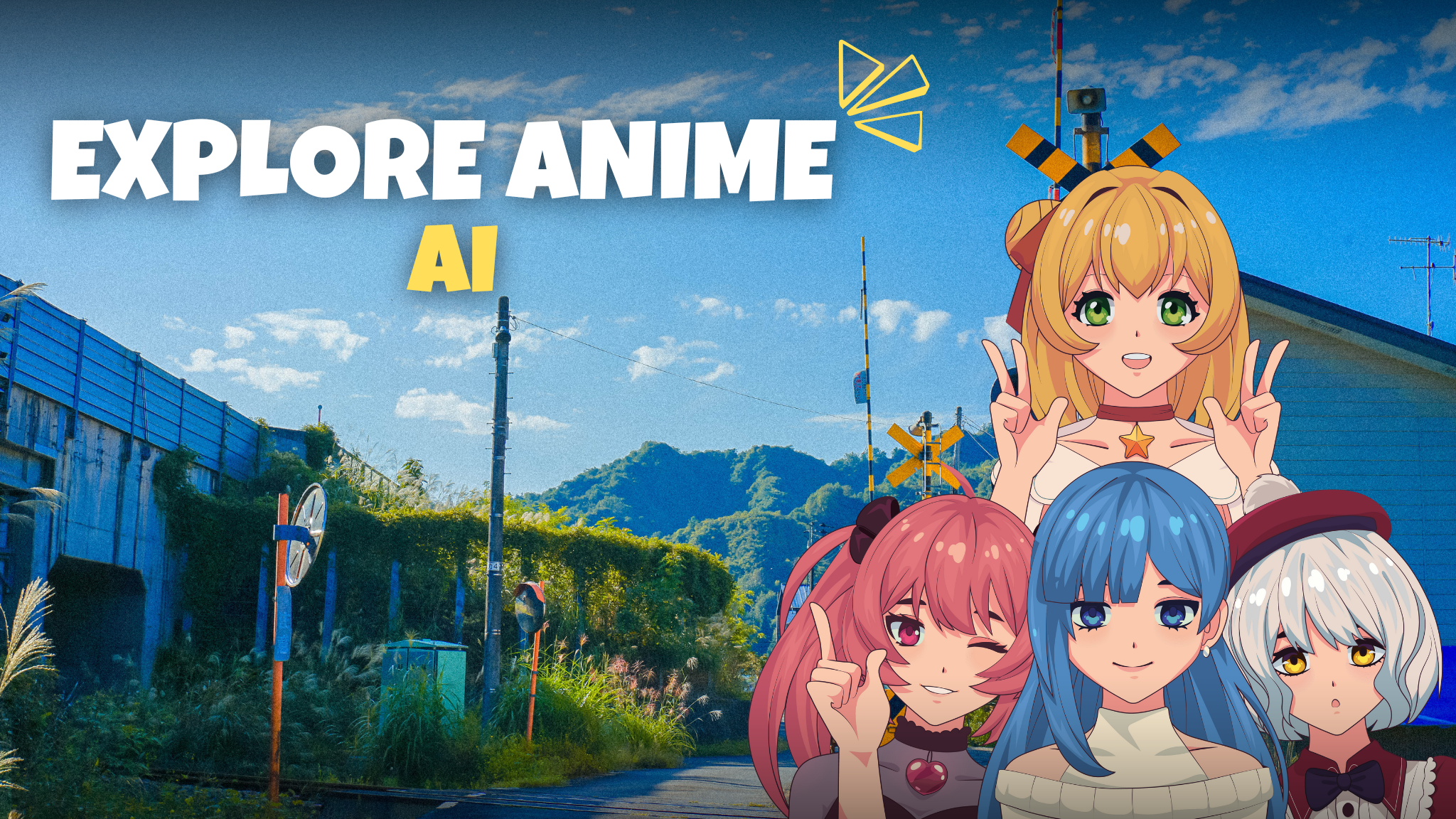
Looking to bring a character idea to life—fast? On AnimeAIVharacter.com you can design an ai anime character with studio-quality visuals in minutes. Whether you’re building a game hero, VTuber avatar, manga cast, or social media persona, our anime character AI workflow gives you precise control over style, pose, outfit, expression, and background. From concept to final export, your ai generated anime character looks polished, consistent, and ready to publish.
What Is an AI Anime Character?
An ai anime character is a character portrait or full-body illustration created with generative models trained on anime and manga aesthetics. Instead of drawing every line by hand, you guide the system with prompts, references, and sliders. The result: rapid iteration, consistent styling, and production-ready art—even if you can’t sketch.
Key advantages:
- Speed: Explore dozens of looks and poses in one session.
- Consistency: Lock style and traits across a series.
- Control: Choose camera angle, lighting, mood, and color palette.
- Scalability: Extend one concept into an entire cast
Who It’s For
- Creators & VTubers: Avatars, emotes, banners, channel art.
- Indie game studios: Rapid NPC and companion design, turnarounds for UI portraits.
- Manga/webtoon teams: Concept sheets, style frames, background variations
- Brands & marketers: Mascots, campaign visuals, seasonal variants.
- Cosplay & fashion: Outfit explorations, accessories, fabric look tests.
Style Guide for High-Quality Results
Anime isn’t one style. Use this guide to aim your anime character AI toward the look you want.
- Subgenres: shōnen dynamic, shōjo elegance, seinen realism, chibi cute, mecha technical, Ghibli-inspired pastoral, cyberpunk neon, slice-of-life soft.
- Linework: clean cel-line, tapered ink, sketchy graphite, manga screentone, painterly edges.
- Color: cel-shaded high contrast, soft pastel blends, saturated neon, muted filmic.
- Lighting: rim light for hair glow, softbox portrait light, golden hour, rainy city reflections.
- Camera: bust portrait (85mm feel), 3/4 mid-shot, dynamic low angle, overhead “anime OP” shot.
- Expression: calm smile, tsundere smirk, battle-ready focus, shy blush, confident wink.
- Backgrounds: gradient studio, classroom, shrine at dusk, neon alley, sakura park, space bridge.
- Wardrobe: school uniform variants, streetwear techwear, kimono/yukata, armor sets, idol stage outfits.
Tip: pick 3–5 attributes per render (e.g., soft cel-shade, rim light, shōjo lines, pastel palette, classroom background) and stick to them to build a cohesive set.
The Creative Workflow (Step-by-Step)
- Concept & silhouette : Define 3 pillars: role (e.g., “idol guitarist”), mood (“optimistic”), and palette (“pastel pink/teal”). Keep a reference board.
- Prompt the foundation : Start broad: “ai anime character, shōjo style, soft cel-shading, shoulder-length pink hair, teal eyes, pastel cardigan, gentle smile, portrait, studio gradient background.”
- Refine with attributes : Add pose, camera, lighting, and texture details. Avoid stuffing—short, clear phrases outperform paragraphs
- Iterate in branches : Save variations for hair, outfit, and color. Keep naming consistent so you can compare sets (e.g., hero_v1a, v1b…).
- Consistency pass : Lock the winning style: reuse the same core descriptors for the rest of the series (supporting cast, expressions, poses).
- Finish & export : Upscale, add subtle grain or halftone for print, export web (sRGB, compressed) and print (300 DPI) versions.
Prompting Playbook
Use these starters as a base and customize as you iterate. For a clean cel-shaded portrait, try: “ai anime character , shōjo style, clean cel lineart, soft pastel colors, rim light, 3/4 portrait, gentle smile, studio gradient background, high detail hair, soft bloom.” For an action-driven shōnen pose, use: “anime character ai, dynamic low angle, motion blur, wind-swept hair, hero coat, dramatic shadows, city rooftop at dusk, saturated colors, speed lines, confident expression.” If you need an idol or VTuber card, prompt: “ai generated anime character, idol stage outfit, glitter highlights, neon backlights, bokeh, cute wink, hand-heart pose, high key lighting, crisp edges.” For a chibi mascot, go with: “ai anime character, chibi style, oversized head, tiny body, bright pastel palette, simple background, happy bounce pose.” And for a cozy slice-of-life vibe, try: “anime character ai, warm ambient light, café corner, sweater and scarf, soft blush, book in hands, autumn palette, shallow depth of field.”
Keeping characters consistent across a series
Plan a short trait sheet that never changes—hair color and style, eye color, a key accessory, a signature outfit element, and a few personality adjectives—and reuse it in every prompt. Repeat two or three locked phrases to anchor style (for example, “clean cel lineart,” “soft pastel palette,” “rim light”). If your tool supports seeds or LoRAs, keep those constants for the core shots so your ai anime character remains stable across scenes. Generate front, three-quarter, profile, and back views with identical wording to build turnarounds, then create an expression sheet by swapping only emotion keywords while preserving the style phrases.
File prep, naming, and alt text
Name assets descriptively to make versioning painless—for instance, ai-anime-character_idol-pink-teal_portrait_v2.jpg—and keep a tidy structure such as hero/portraits, hero/poses, and hero/outfits for your anime character ai pipeline. When you export for the web, pair images with meaningful alt text like “ai generated anime character portrait in shōjo style, pastel colors, gentle smile,” “anime character ai action pose with dynamic lighting on a city rooftop,” or “ai anime character chibi mascot with a pastel palette and happy expression.” Clear filenames and alt text improve search, accessibility, and collaboration.
Ethical and brand-safe creation
Keep outputs SFW unless your project explicitly requires otherwise and complies with relevant policies. Depict clearly adult characters when themes are mature, avoid ambiguity in age cues, and treat cultural symbols and fashion with care to steer clear of stereotypes. Be transparent if you blend photographic elements and never imply a real person was used when they weren’t. For client work or collaborations, save prompts, settings, and approvals so licensing and revisits stay simple.
Use cases and ideas.
These workflows shine for VTuber and streamer branding (portraits, emotes, banners, badges), game UI portraits and inventory cards, manga or webtoon character sheets and scene mood boards, social content like reels that show concept-to-final reveals, and merch such as stickers, acrylic stands, and prints (confirm commercial rights for your model and outputs).
Troubleshooting quick wins.
If faces look over-smoothed, add phrases like “defined lineart, crisp edges, skin microtexture.” When anatomy glitches appear, specify “correct hand anatomy, natural proportions.” If backgrounds get busy, simplify with “minimal backdrop” or “simple gradient background.” For color banding, finish with a touch of “subtle film grain.” When lighting feels flat, direct the rig: “rim light, key light from left, soft shadows.”
FAQ in brief.
What’s the difference between “ai anime character” and “ai generated anime character”? They’re largely interchangeable; we use the former for the concept and the latter to emphasize the production method. Can you keep style consistent across many images? Yes—reuse core phrases, lock seeds or LoRAs when available, and maintain a fixed guide for your anime character ai runs. Do you need drawing skills? No; clear prompts and good references go a long way, though art direction helps. Can you use the art commercially? Check the terms for your specific tool or model and secure license-friendly settings before launch. What resolution should you export? For web, use about 2048 px on the long edge in sRGB around 80% JPEG; for print, export at 300 DPI and consider posterized or vector-like finishing for crisp lines. How do you avoid uncanny results? Keep prompts concise, lock a small set of style cues, and iterate pose and lighting first before adding extra effects.
Ready to build
Turn your idea into a polished visual by picking a style, locking a handful of consistent cues, and iterating toward a look you love. With a steady recipe and a clean file strategy, your ai generated anime character will feel coherent across portraits, poses, outfits, and backgrounds—ready for channels from social to print.